
Domain Name Analyzer Desktop User Guide
Deleting, Clearing, and Exporting Workspace Data
Deleting Selected Rows
What Deleting Rows Does
Deleting selected rows removes those domain records from the current table or workspace view. Use this when you no longer want to keep particular domains in the active project area.
Select the Rows First
Select one or more rows in the table before using the delete action. Check your selection carefully, especially when filters are active, because filtered views can hide other rows from sight.
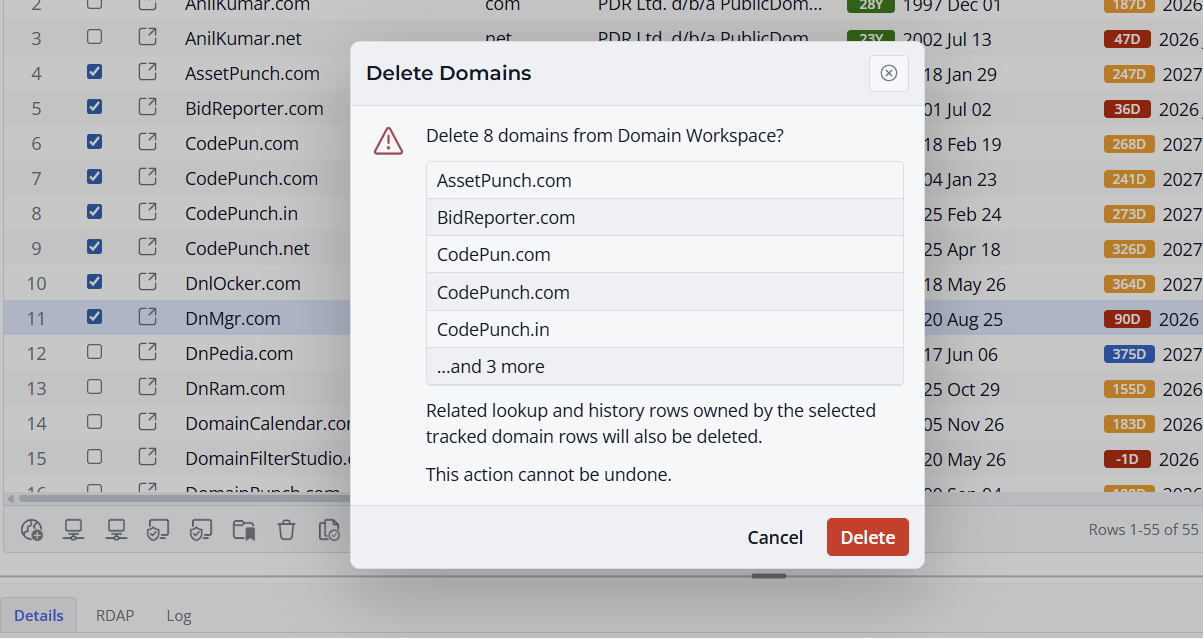
Confirm the Result
After deleting rows, review the table to confirm that only the intended records were removed. Save the project if you want to keep the change.
