
Domain Name Analyzer Desktop User Guide
Domain Data and Terminology
Domain, SLD, and TLD
Domain
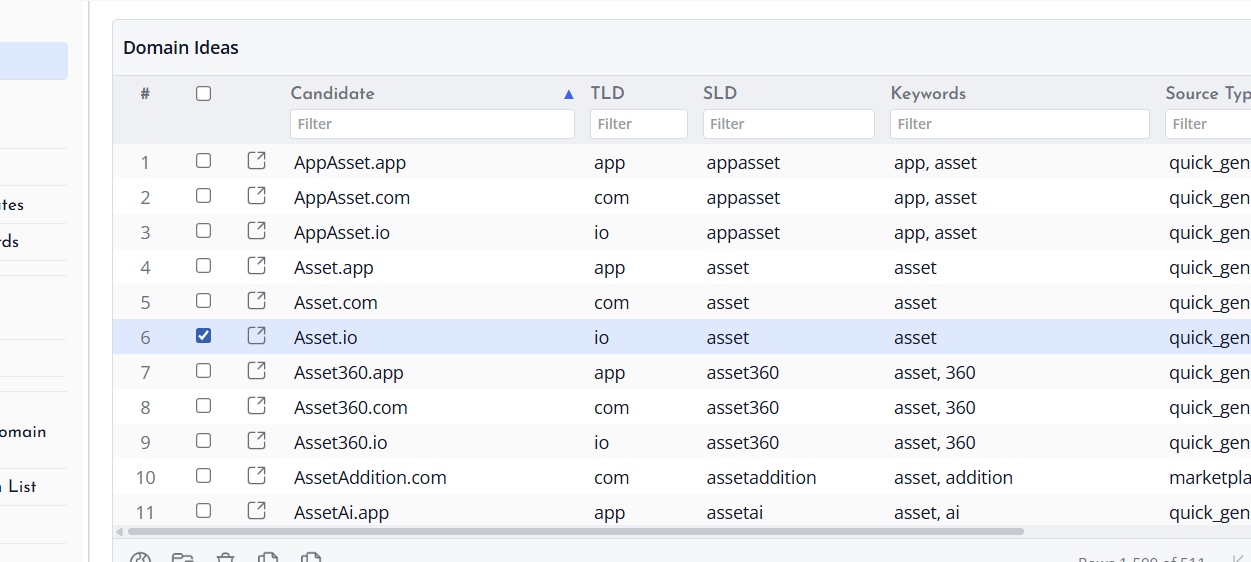
A domain is the full name you are working with, such as example.com. Domain Name Analyzer Desktop stores and displays domains in normalized form so they can be sorted, filtered, checked, and exported consistently.
SLD
The SLD, or second-level domain, is the main name portion before the extension. In example.com, the SLD is example.
TLD
The TLD, or top-level domain, is the extension. In example.com, the TLD is com. Some domains use multi-part public suffixes, so Domain Name Analyzer Desktop may separate the visible name and extension according to recognized domain rules.
Created Date, Updated Date, Expiry Date, and Days Left
Created date
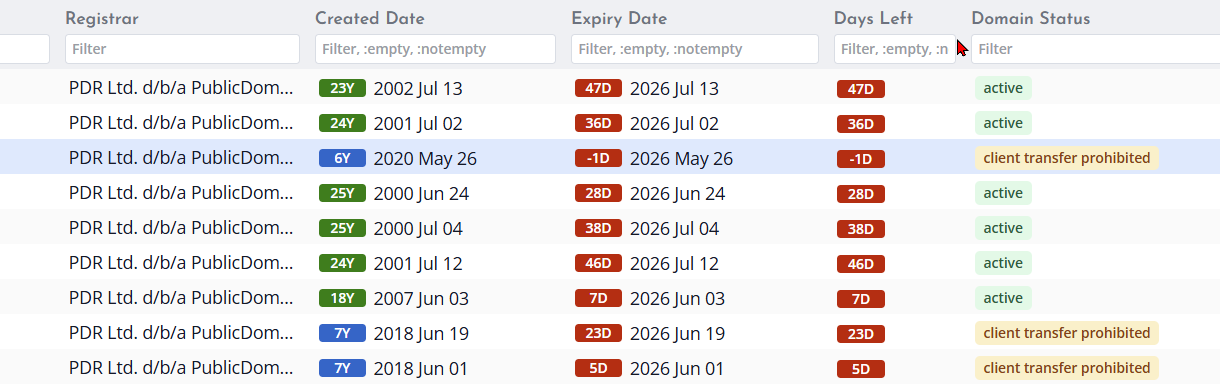
The created date is the registration creation date reported by the lookup source when that information is provided. It helps you understand how long a domain has existed.
Updated date
The updated date is the date the registration record was last changed, when supplied by the lookup source. It may reflect changes such as registrar updates, contact changes, name server changes, or registry-side updates.
Expiry date and days left
The expiry date shows when the current registration period is expected to end, when that information is available. Days Left is calculated from the expiry date and helps you identify domains that may need attention soon.
When a date is missing
If a date is not shown, it usually means the lookup has not been run, the lookup failed, or the source did not provide that field. Use the field status wording and details pane to understand the reason.
Registrar, Registrant Country, and Name Servers
Registrar
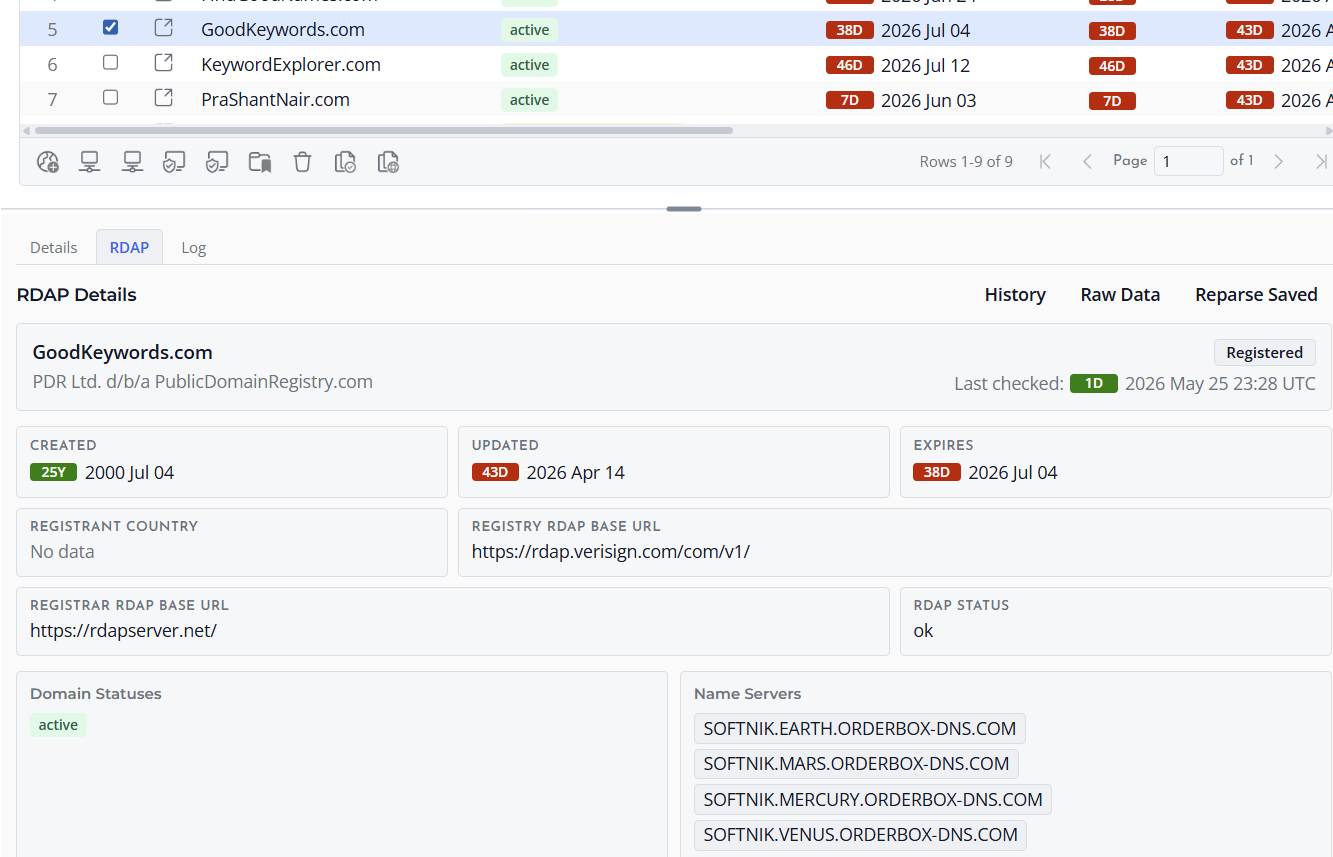
The registrar is the company or service managing the domain registration for the registrant. This field is shown when the lookup source provides registrar information.
Registrant country
Registrant country may be shown when it is supplied by the lookup source. Many modern registration records limit or hide registrant contact details, so this field may be blank or reported as Field Not Provided.
Name servers
Name servers identify the DNS service responsible for answering DNS queries for the domain. Reviewing name servers can help you recognize hosting providers, DNS platforms, and domains that may belong to the same portfolio.
DNS, SSL, and HTTP / Site Fields
DNS Check
DNS Check summarizes what Domain Name Analyzer Desktop currently knows about the domain's DNS results. This may indicate that DNS data has not been checked, that records were found, or that the lookup did not return useful data.
Root IPv4 and Root IPv6
Root IPv4 shows an A record for the domain root when one is found. Root IPv6 shows an AAAA record for the domain root when one is found. These fields help you see whether the domain points directly to IPv4 or IPv6 addresses at the time of the check.
Domain MX
Domain MX identifies mail servers for the domain. Domains can have web hosting without MX records, and they can have MX records without a public website, so use this field as one signal rather than a complete domain profile.
SSL Status and Certificate Dates
SSL Status summarizes certificate and TLS information collected by an SSL check. SSL Valid From and SSL Valid To show the certificate date range when it is available. Use these fields to identify current certificates, expired certificates, missing certificate data, and TLS problems.
HTTP / Site Status
HTTP / Site Status summarizes whether the domain root responds as a website. Related fields can include HTTP Code, Final Host, Final URL, Redirect Count, Site TLS, Last HTTP / Site Check, and HTTP / Site Error.

Unchecked, Available, Registered, Unknown, and Error
Unchecked
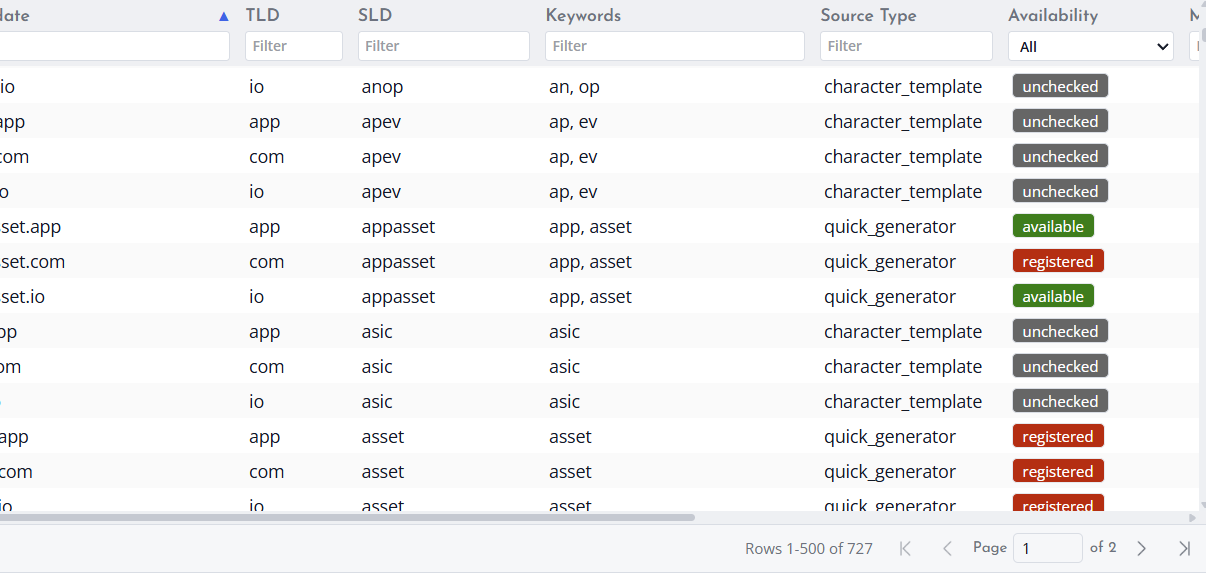
Unchecked means Domain Name Analyzer Desktop has not yet checked the domain's availability status in the current context.
Available
Available means the availability check indicates that the domain may be available for registration. Always confirm with your registrar before making purchase decisions, because availability can change quickly.
Registered
Registered means the lookup result indicates that the domain already has a registration record or otherwise appears to be taken.
Unknown and Error
Unknown means the application could not determine a clear availability result from the information returned. Error means the lookup encountered a problem such as a connection issue, timeout, unsupported source, or invalid response.
Not Checked, No Data, Field Not Provided, and Lookup Failed
Not Checked
Not Checked means the application has not yet attempted the lookup or field update for that item.
No Data
No Data means there is currently no useful saved value for that field. It does not by itself mean that the domain is available for registration.
Field Not Provided
Field Not Provided means the lookup source responded but did not include that specific piece of information. This is common for privacy-protected or limited registration records.
Lookup Failed
Lookup Failed means the application attempted a lookup but could not complete it successfully. You can try again later, adjust lookup preferences, or review raw details when available.
