
Domain Name Analyzer Desktop User Guide
Domain Ideas Preferences
Quick Generator Word Banks
What Word Banks Do
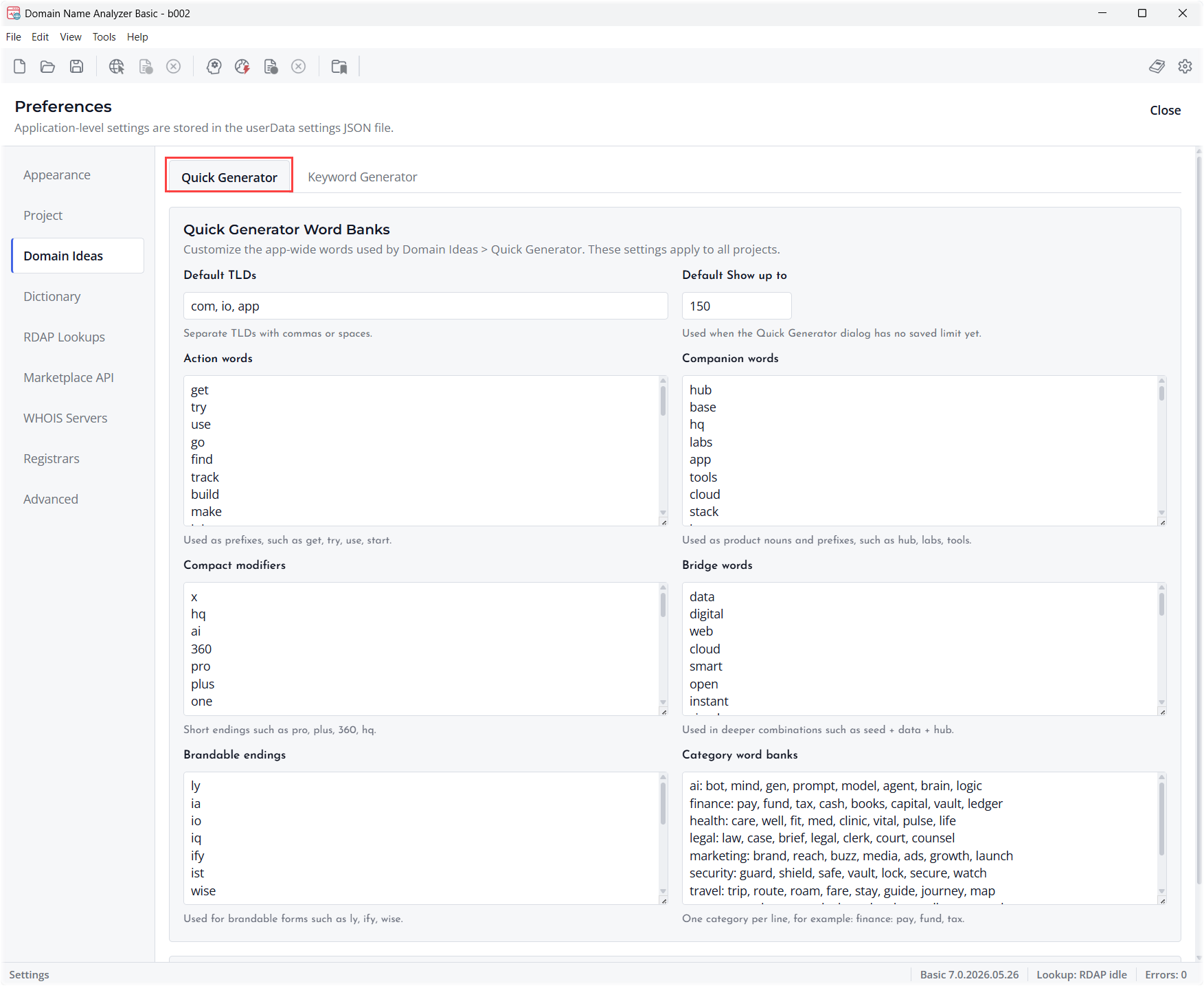
Quick Generator word banks provide reusable words that can be combined to create domain name ideas. They are useful when you regularly explore names around the same products, industries, locations, or brand styles.
Open the Preference
Open Preferences and go to the Quick Generator word bank settings. Review the existing words before adding new ones so the generator remains focused and useful.
Add Focused Words
Add words that match the kind of domains you want to generate. Short, flexible words usually work better than long phrases. Keep separate themes in separate groups when the preference screen allows it.
Review Generated Results
After changing word banks, return to Domain Ideas and run Quick Generator again. Review the results and remove names that do not fit your naming goal.
Keyword Generator Suggestion Lists
What Suggestion Lists Are For
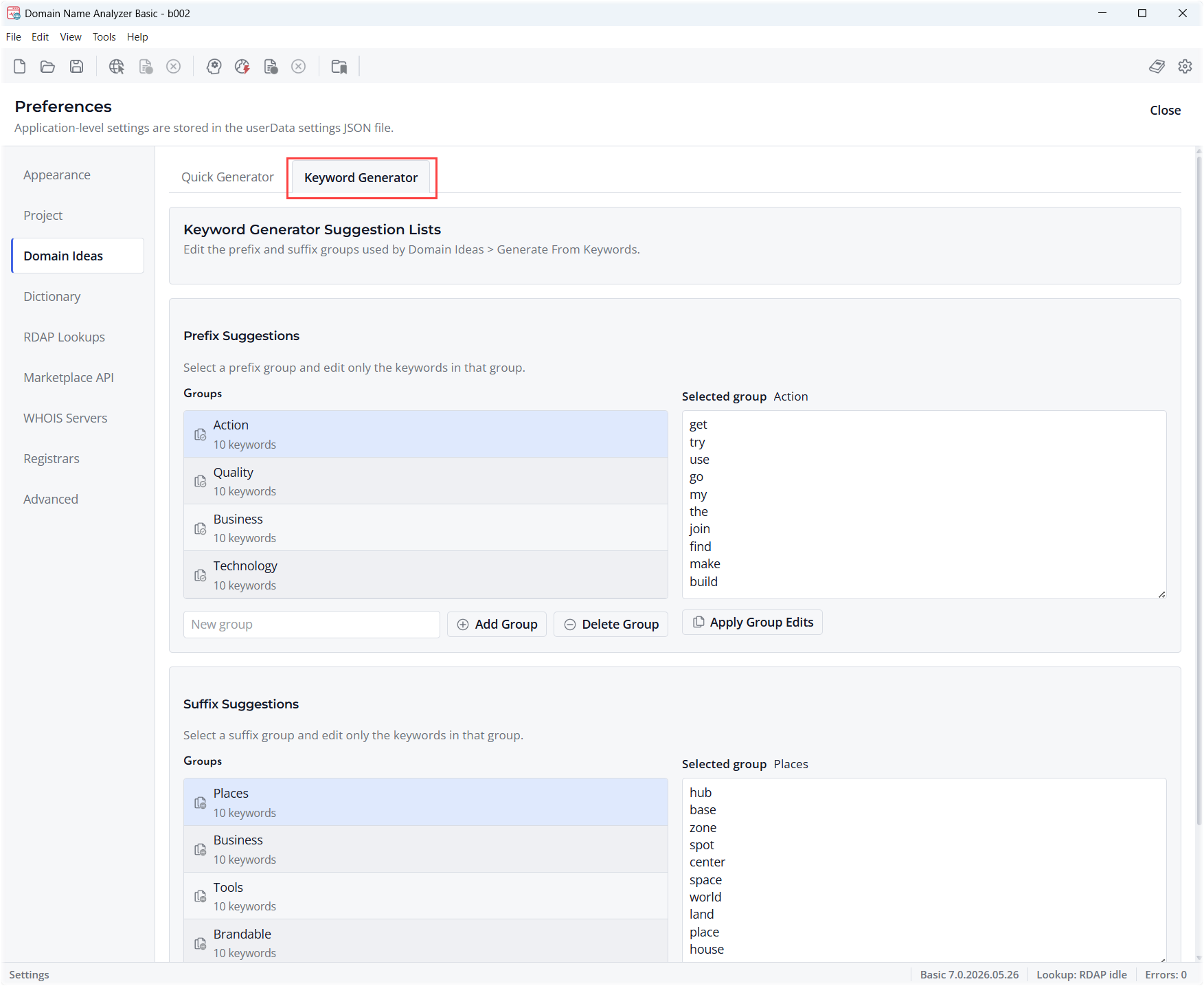
Keyword Generator suggestion lists help you build candidate domains from reusable keyword groups. They can save time when you repeatedly use common prefixes, suffixes, themes, or market-specific terms.
Open the Suggestion Settings
Open Preferences and locate the Keyword Generator suggestion list settings. Review the current suggestions and decide which words should remain available for future generation sessions.
Keep Suggestions Practical
Use clear words that can combine naturally with domain keywords. Remove suggestions that produce too many weak or irrelevant candidates.
Use Suggestions in Domain Ideas
When generating from keywords, use the suggestion lists to speed up entry and keep naming patterns consistent across projects.
Domain Keyword Dictionary
Purpose of the Dictionary
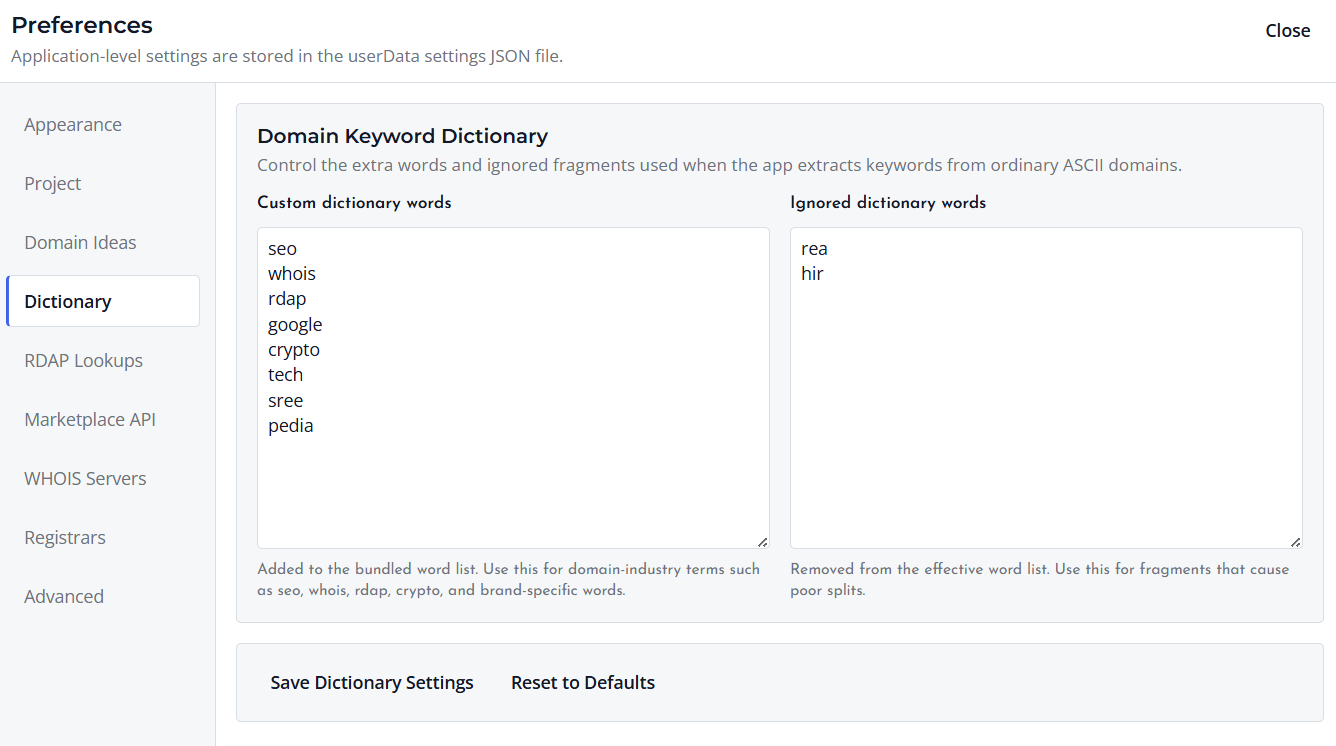
The Domain Keyword Dictionary helps Domain Name Analyzer Desktop split compact domain names into readable keywords. These inferred keywords can be used when domains are added to the Domain Workspace or generated as Domain Ideas.
For example, a domain such as domainpunch.com may be interpreted as the keywords domain and punch. This makes it easier to review, filter, and organize domain names by the words they contain.
Review Dictionary Entries
Open Preferences and review the dictionary entries. Add words that should be recognized when splitting domain names, and ignore words that create unwanted or misleading splits.
Use Clear Domain Words
Good dictionary entries are short, recognizable words that may appear inside domain names. Avoid adding long phrases or obscure fragments, because they can cause confusing keyword splits.
Update It Over Time
Treat the dictionary as a working resource. Update it when you notice useful words that are not being recognized, or when a word causes repeated false matches in your domain lists.
