
Changing the Security Settings
This panel allows you to change security settings as needed.
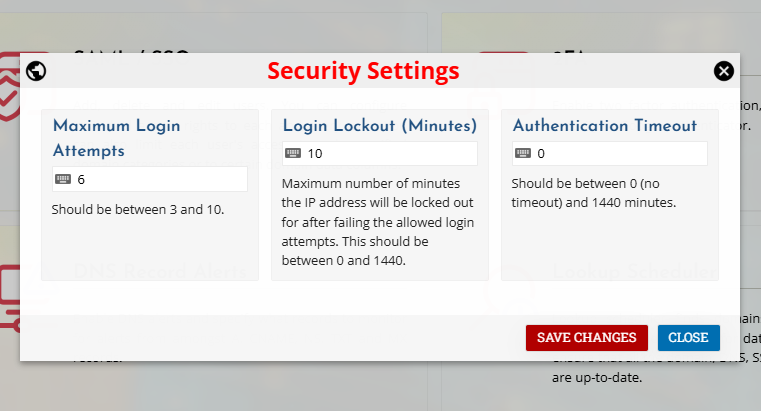
Authentication Timeout
Click on the timeout option to edit the value. Enter the desired timeout duration in minutes (any value between 0 and 1440). At 0 minutes no timeout occurs and the user stays logged in indefinitely.
